
Joining the housing company internet and billing
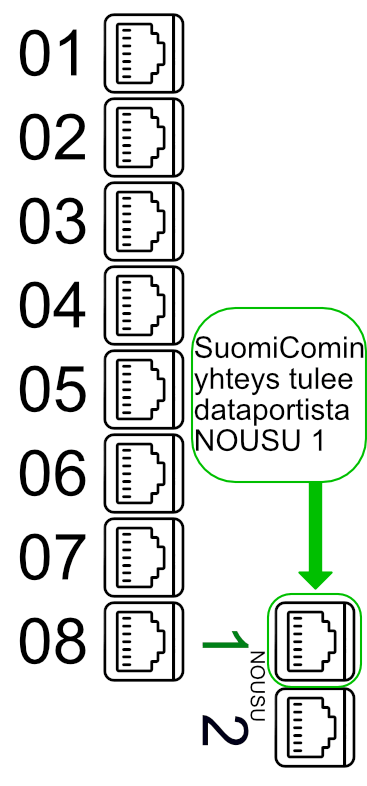
Housing company internet will be connected to all apartments on 28.7.2026 using the data port NOUSU 1. The Wi-Fi router or computer connected to the data port may need to be restarted on the installation date in order for the connection to become operational. The housing company charges for the internet connection as part of the maintenance fee.
Using the housing company internet
The connection can be used from the apartment’s distribution cabinet using the Ethernet port NOUSU 1 . A computer or Wi-Fi router can be connected directly to this port, and the connection will start working automatically. The distribution cabinet is usually located in the hallway and typically looks like a white metal cabinet.
Inside the distribution cabinet, there are additional numbered Ethernet ports. These can be used to extend the connection to corresponding numbered sockets in the apartment.
A router must be used with the connection. ADSL and VDSL modems cannot be used, as the service is delivered via an Ethernet connection. The recommended minimum requirements for the router are:
- 1000 Mbps Ethernet ports (WAN and LAN)
- Wi-Fi 6 wireless network (802.11ax)
- High-quality Ethernet cables (minimum CAT5e)
Each connected apartment will receive one (1) IPv4 address, so devices should be in routing mode.
Testing the housing company internet speed
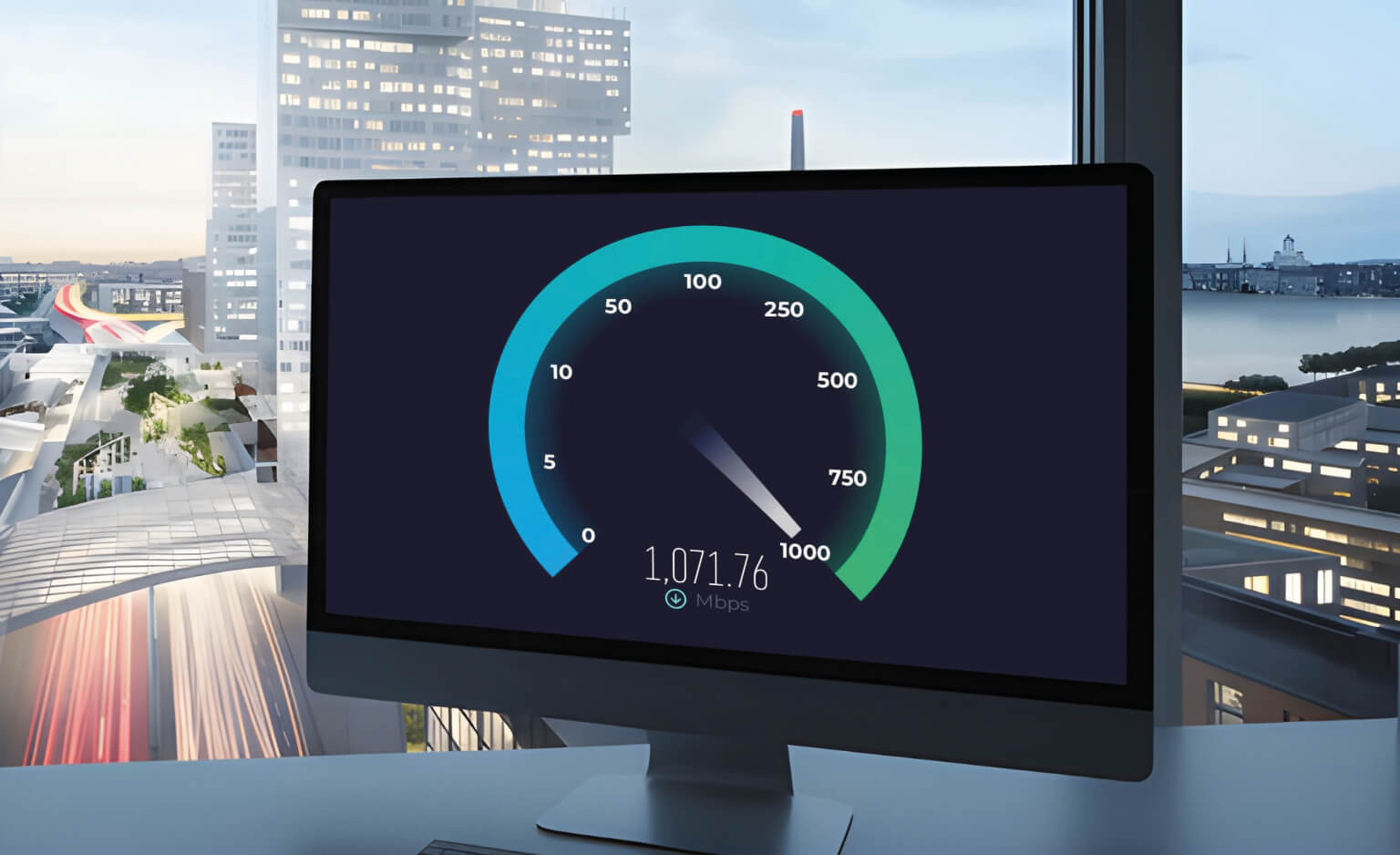
We recommend using the free Speedtest® by Ookla application to test the connection speed.
Do not use the browser version, as it can provide inaccurate results.
How to Perform a Speed Test
- Connect your computer via cable to the SuomiCom housing company broadband.
- Download and install the appropriate Speedtest app for your device. Download links are available alongside this page and on the official website.
- Open the application, select Speedtest server: Suomi Communications Oy, Espoo and start the test.
Important Notes
Ensure you are not on WiFi during the test, as wireless connections limit speed and can give inaccurate results. Test the speed directly from the Ethernet port in the apartment’s distribution cabinet for the most accurate results.
For 1000/1000 Mbps speeds, the Ethernet cable should be at least CAT5e or newer. The computer’s network card must support at least 1 Gbps speeds for the test to be reliable.
Download the Speedtest Application
Choose the appropriate Speedtest® application for your device:
Speedtest® for Windows

Speedtest® for Mac